
BOTS
SCALPING BOT
CrowdSent
Scalping Bot
An automated MT5 short-term strategy designed to capture rapid price movements in highly liquid markets with precision execution.
Learn about this bot here. Set it up and use it in the CrowdSent dashboard.

How it Works
The Scalping Bot operates on the premise of capturing small, rapid price fluctuations. It uses a sophisticated multi-layered filter to ensure entries are only taken during high-probability short-term momentum windows.
EMA Trend Structure
Combines Fast and Slow Exponential Moving Averages to identify the immediate trend direction, ensuring the bot never trades against the short-term flow.
RSI Momentum Confirmation
Uses the Relative Strength Index to confirm that the price has sufficient momentum to sustain a quick move in the entry direction.
Spread Control & Session Filtering
Automatically avoids trading during high-spread periods or low-liquidity market sessions to protect against slippage and poor fills.
Logic Blueprint
Conceptual representation of the scalping decision engine. Inputs: EMA(8), EMA(21), RSI(14), Spread < 0.5 pips.
around this bot
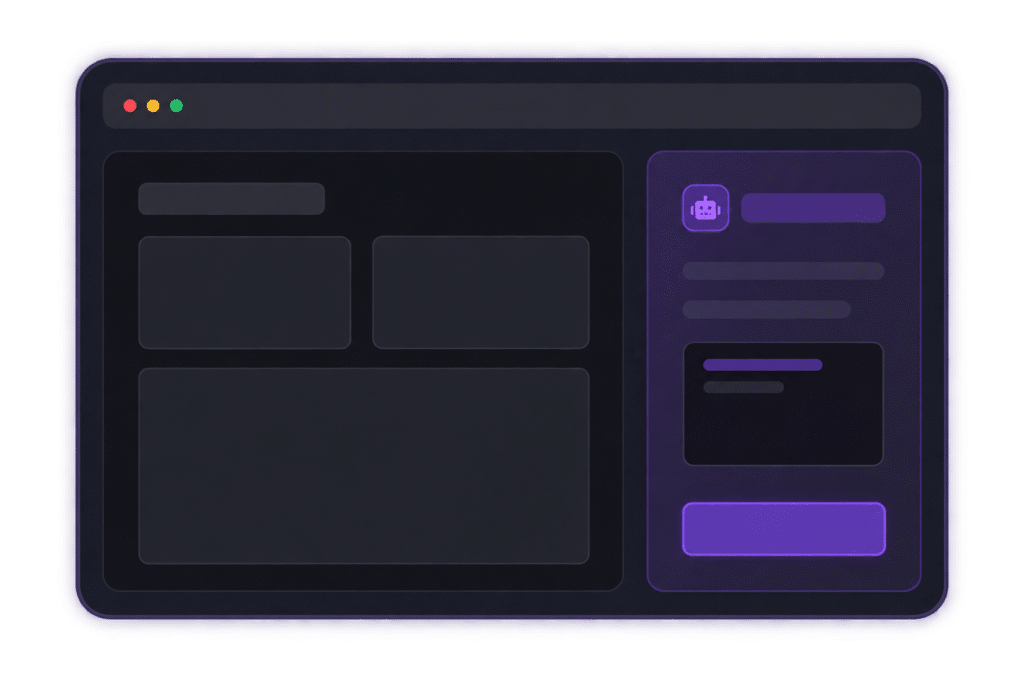
Your CrowdSent Agent helps you get more out of this bot. Use the Agent to help configure the bot, adjust its settings and connect it with other relevant parts of your CrowdSent environment.
The Agent can bring together market data, sentiment, alerts and bot functionality to support a more personalised workflow.
- Ask the Agent questions about the bot
- Learn more about fine-tuning the bot
- Get help setting up and configuring the bot
- Review and interpret backtest results
- Get recommendations for improving your settings
- Work with the Agent to optimise the bot for better results
“The bot performs a specific function. The Agent helps you put it to work.”
FAQ & Next Steps
Where is this bot available?
The Scalping Bot is available exclusively within the CrowdSent paid dashboard for MT5 users.
Does the bot run on this website?
No. This is an informational page. Execution and management take place on your own infrastructure connected via the dashboard.
How can i get setup help?
You can use the Platform Assistant in the dashboard or join the community Discord for technical support.
Get Started with Scalping
Ready to deploy the bot on your terminal?